Notice of E-OCI Card
Introducing the e-OCI Card
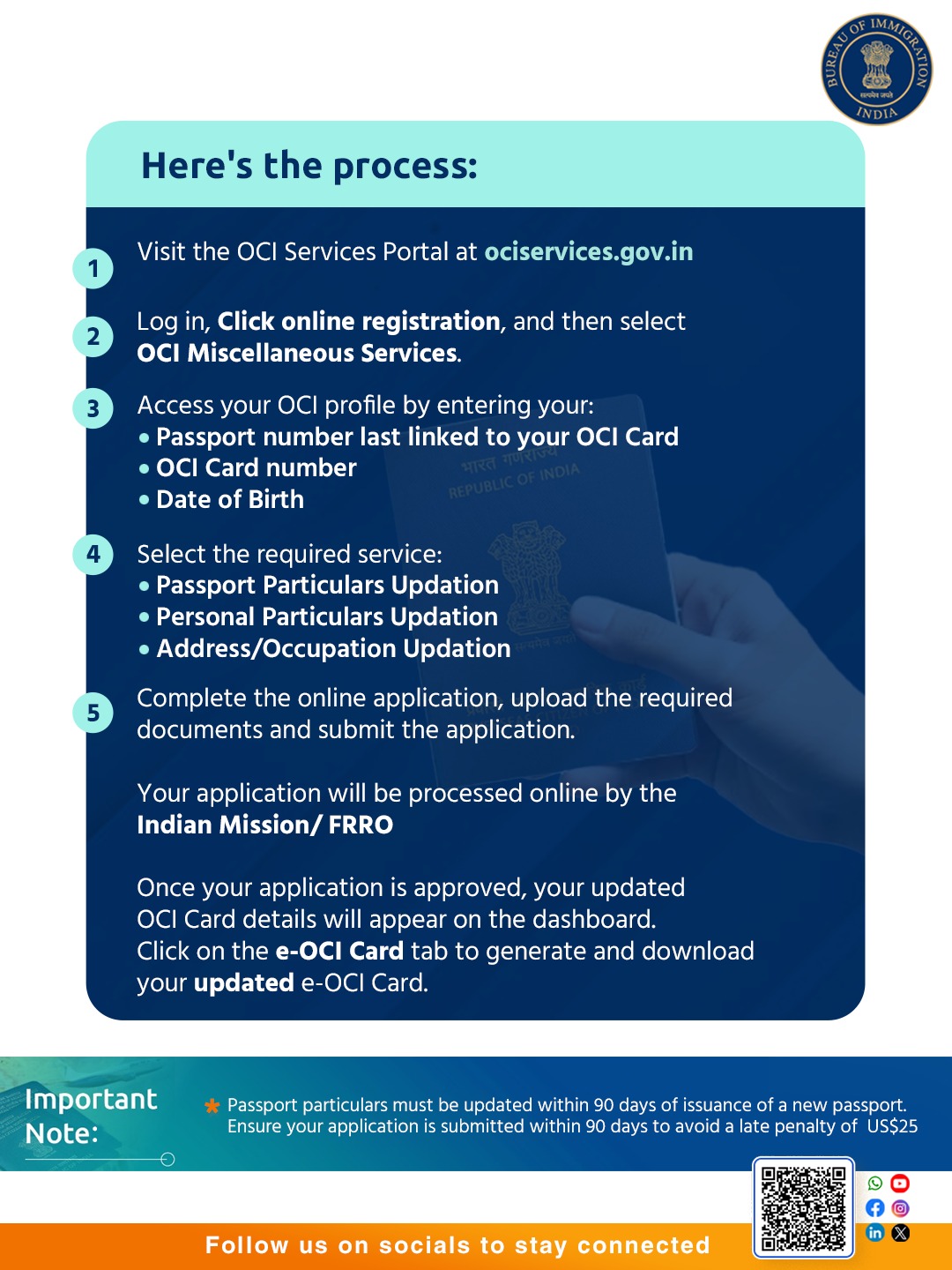
Here's the process:
1.) Visit the OCI Services Portal at http://ociservices.gov.in
2.) Log in, Click online registration, and then select OCI Miscellaneous Services
3.) Access your OCI profile by entering your: Passport number last linked to your OCI Card OCI Card number Date of Birth
4.) Select the required service: Passport Particulars Updation Personal Particulars Updation Address/Occupation Updation
5.) Complete the online application, upload the required documents and submit the application
6.) Your application will be processed online by the Indian Mission/FRRO
7.) Once your application is approved, your updated OCI Card details will appear on the dashboard. Click on the e-OCI Card tab to generate and download your updated e-OCI Card.
Important Notes:
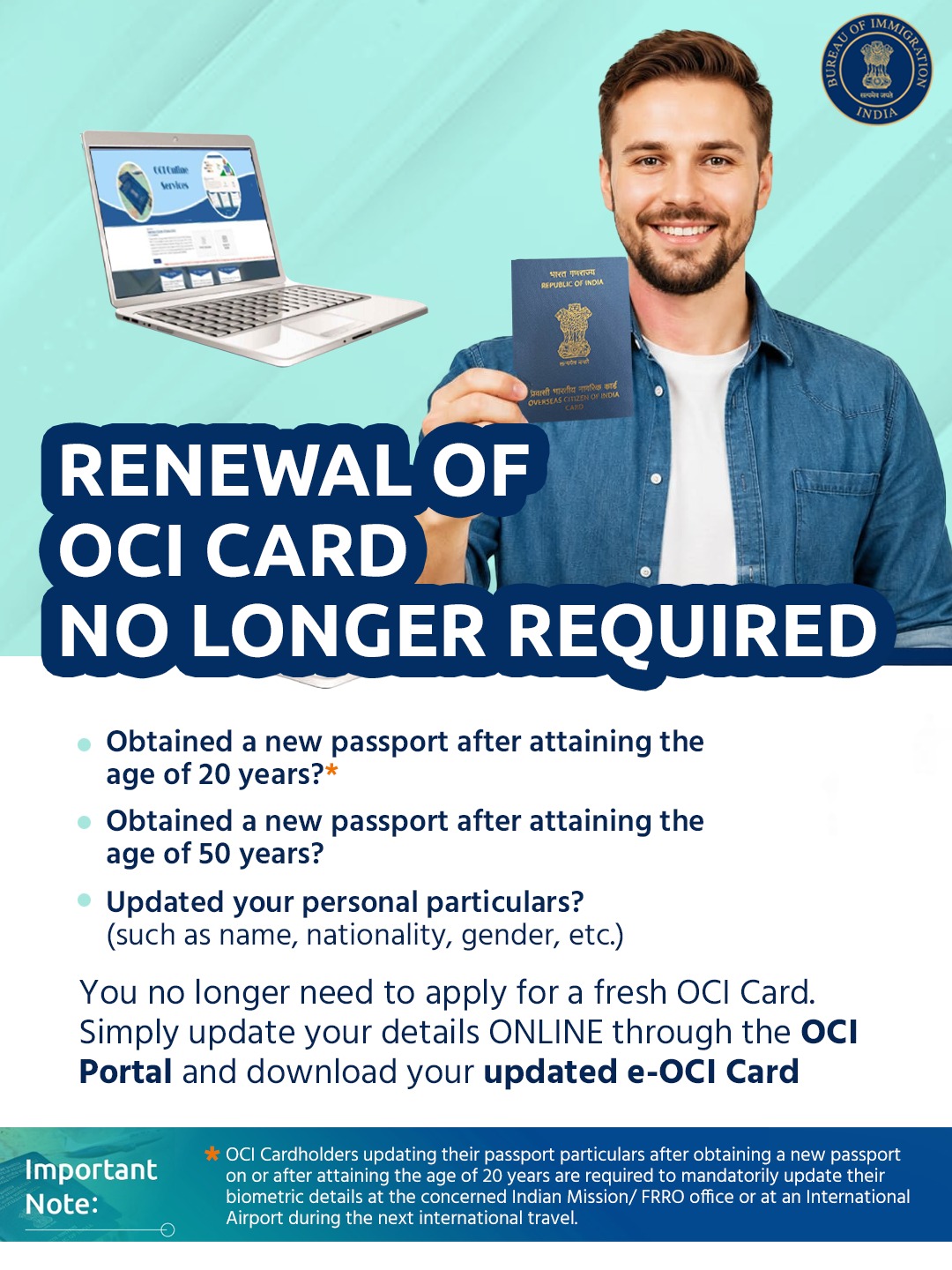
* OCI Cardholders updating their passport particulars after obtaining a new passport on or after attaining the age of 20 years are required to mandatorily update their biometric details at the concerned Indian Mission/FRRO office or at an International Airport during the next international travel.
* Passport particulars must be updated within 90 days of issuance of a new passport. Ensure your application is submitted within 90 days to avoid a late penalty of US$25